Mechanical vs Membrane Keyboards: Which Should You Buy?
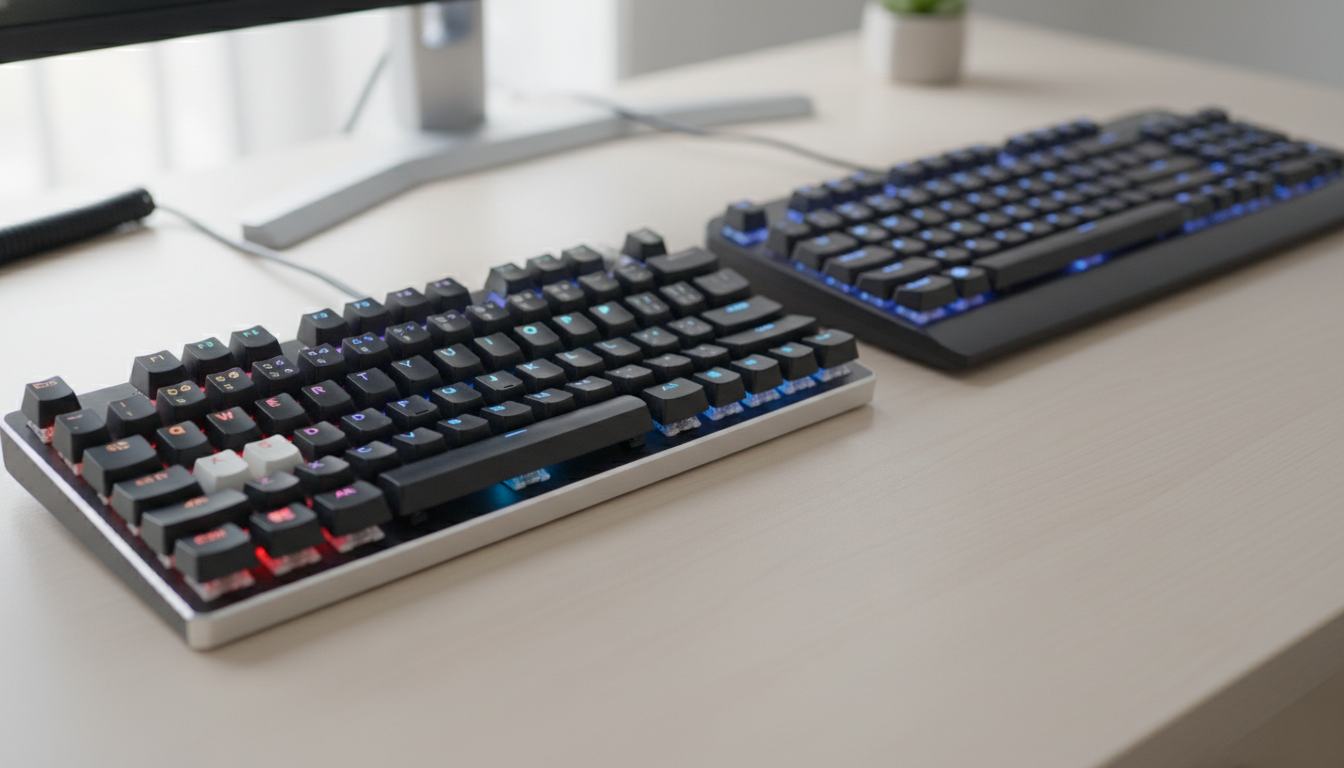
Membrane or mechanical — the answer depends on what you’re doing and what you’re willing to spend. Mechanical keyboards win on durability, typing feel, and customization. Membrane boards win on price, silence, and portability. Here’s how to decide fast.
How They Actually Work
A membrane keyboard uses a pressure-sensitive rubber or silicone layer beneath the keycaps. Press a key, compress the dome, complete the circuit. It’s a single unified sheet — simple, cheap to produce, and quiet.
A mechanical keyboard puts an individual switch under every keycap. Each switch has a housing, a stem, and a spring. The stem travels down a defined path and registers a keypress either at a tactile bump, an audible click, or a smooth linear point — depending on the switch type.
That per-key switch design is what drives the price difference and most of the performance gap.
Feel and Typing Experience
This is where mechanical keyboards pull away clearly. The feedback is consistent, defined, and repeatable. Linear switches like Gateron Yellow are smooth with zero resistance wobble. Tactile switches like Boba U4 give a noticeable bump without the click noise. You always know exactly when a key has actuated.
Membrane keyboards feel mushy by comparison. The dome compresses gradually, and the actuation point is vague. For casual use that’s fine. For long writing sessions or fast gaming inputs, that imprecision adds up.
Fatigue is real, too. Mechanical switches are engineered to actuate before you bottom out, so you’re not slamming plastic on plastic all day. Most membrane boards require full travel to register.
Durability
Mechanical switches are rated at 50–100 million keystrokes depending on the manufacturer. Cherry MX Red switches are rated at 100 million. A membrane board’s rubber domes degrade over time — they get softer, less responsive, and some keys start to stick or double-register. Most membrane keyboards are considered disposable in the $10–$30 range.
A solid mechanical board bought once will outlast several membrane replacements. The upfront cost is higher, but the per-year cost often isn’t.
Noise
Membrane keyboards have a real advantage here. The rubber dome absorbs impact and the boards are generally quiet — good for offices or shared spaces.
Mechanical keyboards vary wildly. Clicky switches (Blue, Green) are loud by design. But silent linears like Gateron Silent Red or silent tactiles like the Boba U4 are genuinely quieter than most membrane boards. Adding O-rings or foam mods pushes noise down further. Noise is no longer a reason to avoid mechanical by default — it depends entirely on which switches you pick.
Customization and Repairability
Mechanical keyboards are built to be modified. Swap keycaps, replace switches (on hot-swap boards), add foam for sound dampening, lube springs — the hardware is designed to be opened and adjusted. When a single switch fails, you replace that switch. Not the whole board.
Membrane boards are sealed units. When the dome layer degrades or a specific key dies, the board is effectively finished. There’s nothing to swap or service. That’s an acceptable tradeoff at $15. It’s a bad deal at $60.
Price Reality
- Budget membrane: $10–$35. Logitech K120, Amazon Basics. Fine for occasional use.
- Mid-range mechanical: $60–$120. Keychron K2 (compact, hot-swap, solid build). This is the most competitive tier.
- High-end mechanical: $150–$300+. Custom PCBs, aluminum cases, gasket mounts.
There’s almost no reason to buy a $60 membrane keyboard. At that price point, mechanical options are significantly better built and will last longer.
Who Should Buy What
Go mechanical if:
- You type more than a few hours a day
- You want a board that lasts 5–10+ years
- Customization or switch feel matters to you
- You game competitively and care about actuation consistency
Stick with membrane if:
- You need a spill-resistant board for a shared or industrial environment
- Budget is under $20 and the use case is minimal
- You need a slim laptop-style board with travel-friendly thickness
- The noise environment is strict and you don’t want to research silent switches
For most people reading this — office workers, writers, gamers — a mid-range mechanical keyboard is the better long-term buy. The Keychron K2 at around $90 is the go-to recommendation: compact, wireless-optional, hot-swap variants available, and it ships with reliable Gateron switches.
Bottom line: Membrane makes sense at the lowest price tier or in specific environments. Everywhere else, mechanical wins on every metric that matters — feel, durability, and repairability. Buy once, mod as needed.